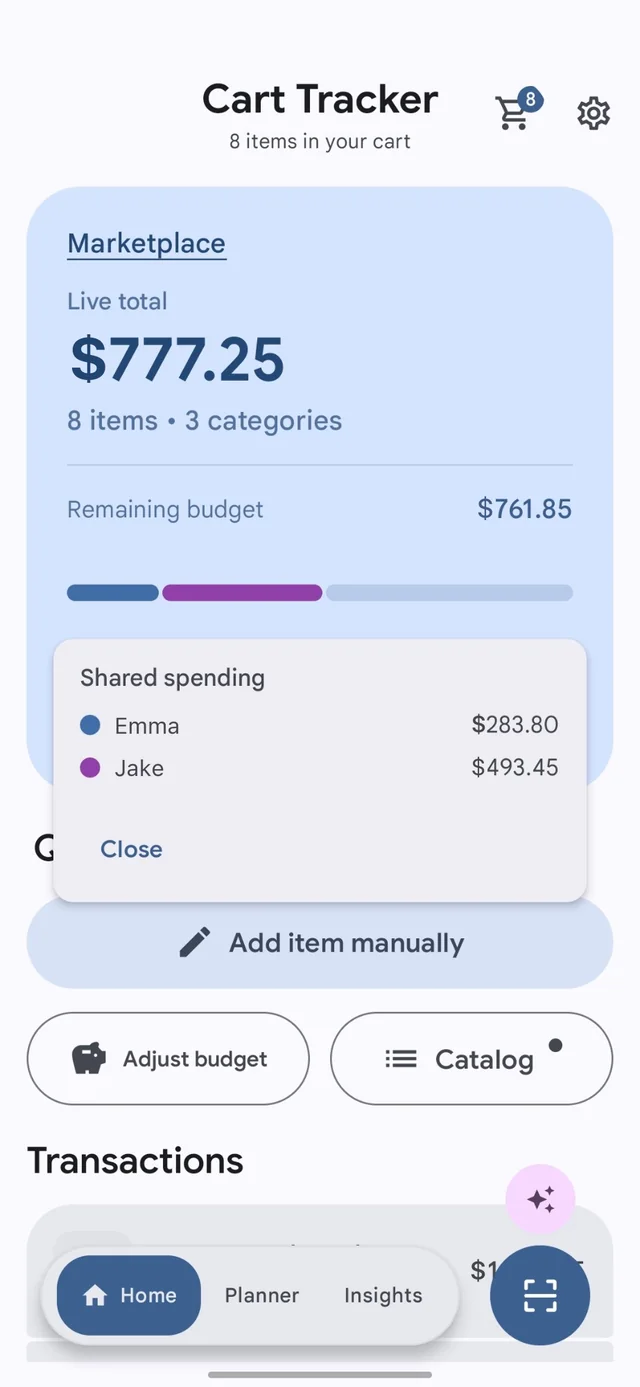
Offline-first Android grocery budget app

Know your cart total before checkout.

Scan items, watch your running grocery total, set trip budgets, and avoid overspending while shopping. Cart Tracker keeps the cart calculator, shelf-tag scanner, planner, and receipt history in one Android app.

Running grocery total Offline shelf-tag capture No account required
Grocery calculator Track item prices, quantities, and totals before checkout.
Budget alerts See when a real shopping trip is getting close to your limit.
Fast capture Use barcode scans, shelf-tag OCR, or quick product entry.
Local-first core Core shopping sessions stay on-device by default.

Grocery budget app guide

Why use a grocery budget app?

Cart Tracker helps shoppers avoid overspending by showing the running grocery total before checkout. Instead of switching between notes and a calculator, you can add items to your cart and see your budget update while you shop.

Grocery calculator

Built for real supermarket trips.

Use Cart Tracker as a grocery calculator, shopping list, barcode scanner, shelf price tracker, and budget planner in one Android app.

Live totals Budget limits

Offline privacy

Best for shoppers who want local control.

Cart Tracker works offline for core cart tracking and stores shopping data locally by default, with optional online services available when you choose to use them.

Offline core No forced account

Developer announcement

A small update about Cart Tracker Premium.

Read why subscriptions now directly support the services that keep Cart Tracker reliable.

Why it feels different

Made for real grocery trips, not polished demo promises.

Cart Tracker combines grocery budgeting, barcode scanning, shelf-tag capture, price planning, and receipt review so each trip has one simple place to stay organized.

Capture

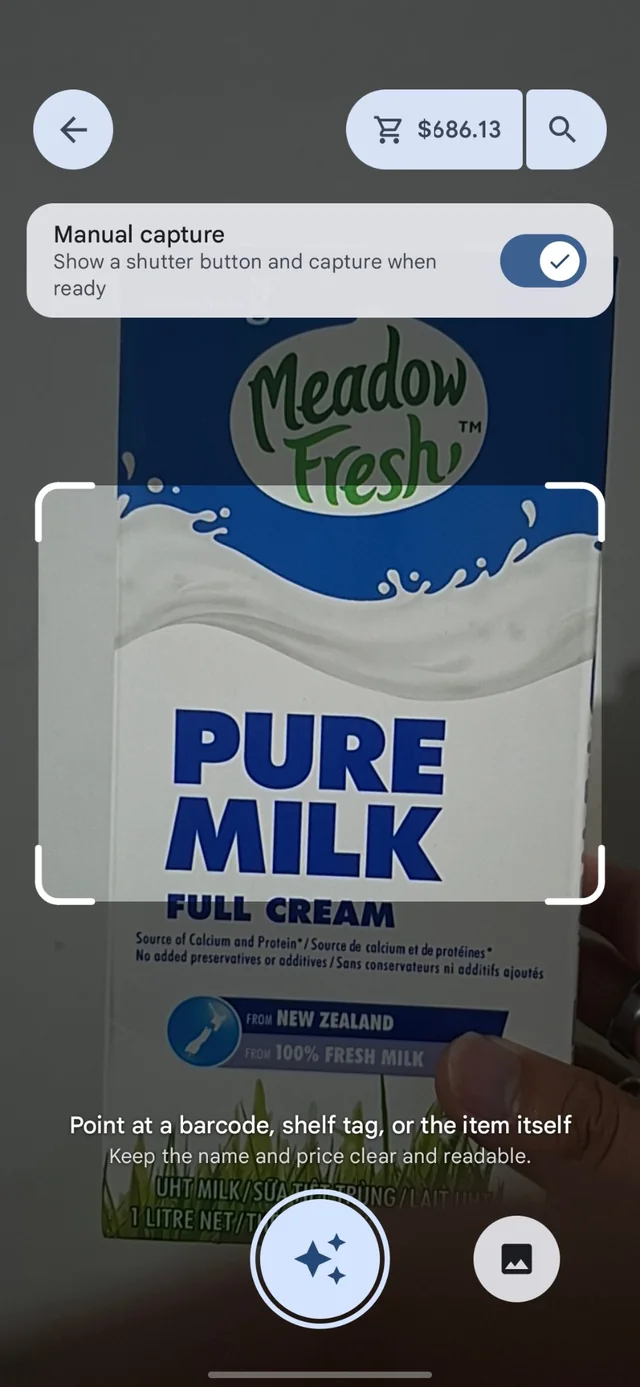
Scan shelf tags offline when barcodes are awkward or missing.

Point the camera at a price tag, crop quickly, and keep moving even when the signal is weak. Cart Tracker is built for shopping aisles, not ideal lab conditions.

Offline shelf-tag flow OCR-assisted entry Quick add-to-cart
Cart Tracker offline shelf tag scanning screen

Budget

See over-budget trips before checkout becomes a surprise.

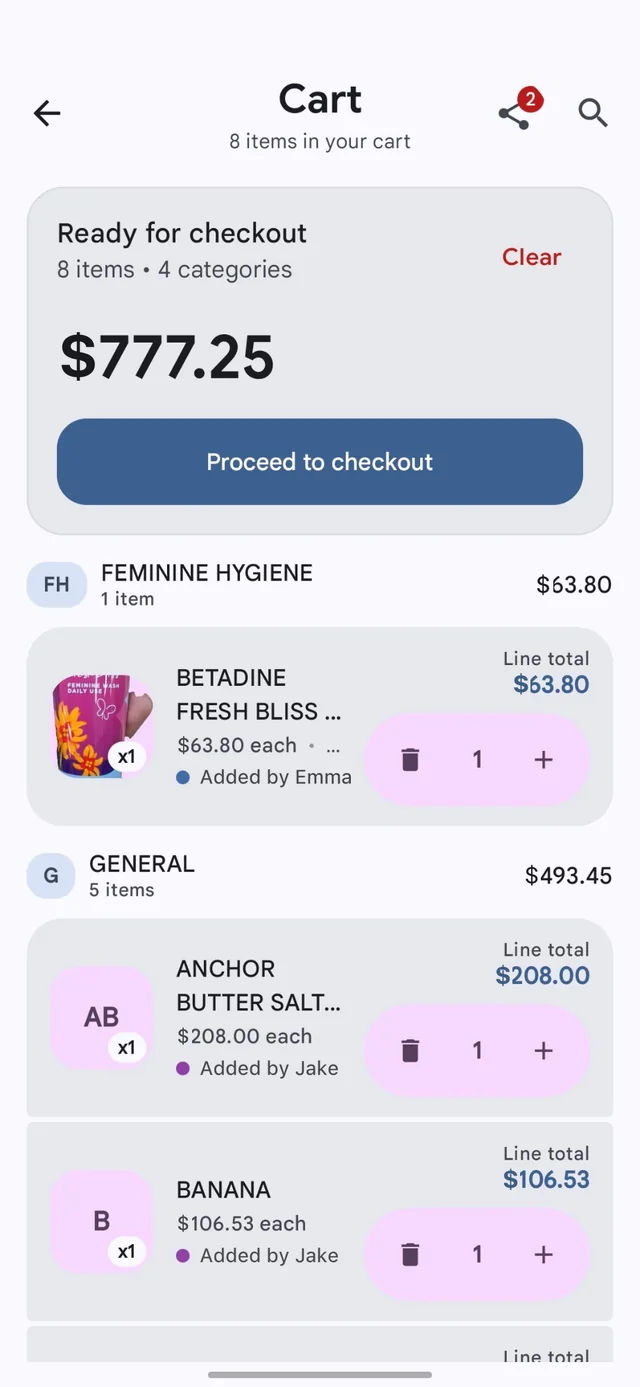
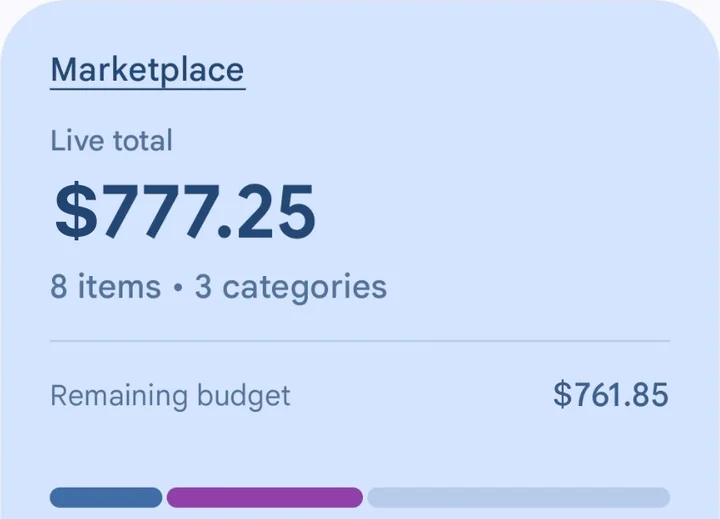
Live totals and clear warning states make it obvious when a trip needs a quick correction.

Cart Tracker over-budget alert screen

Planner

Track price changes while you plan the next trip.

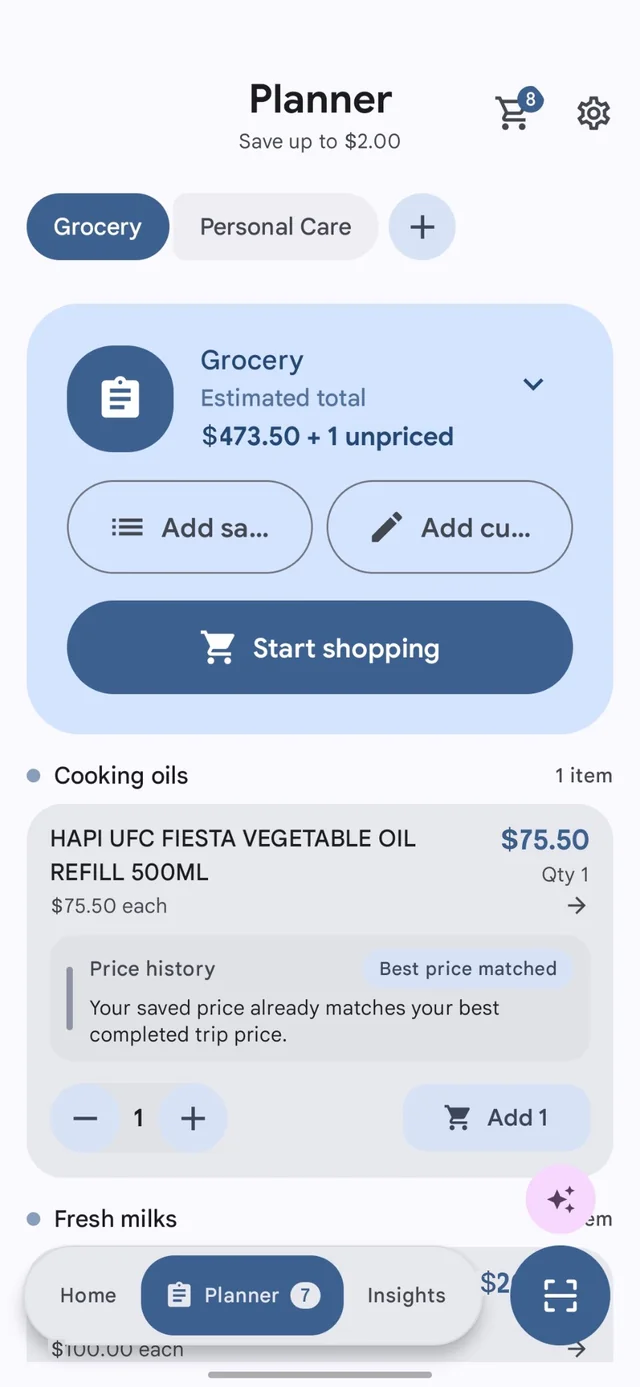
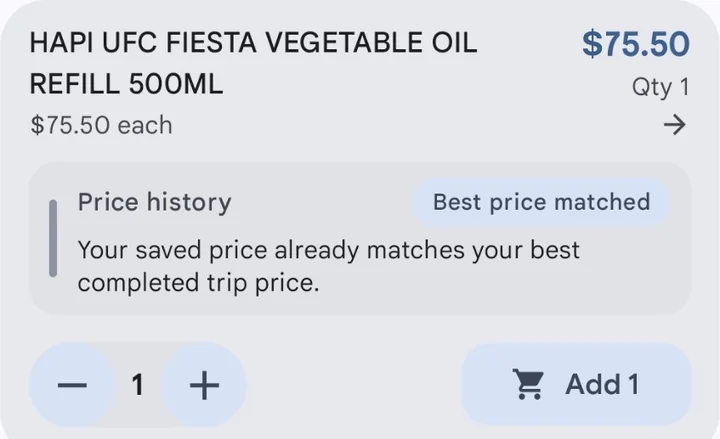
Use previous prices and estimated savings to decide what belongs in the cart before you shop.

Cart Tracker planner and price history screen

Insights

Turn receipts and shopping history into patterns you can actually act on.

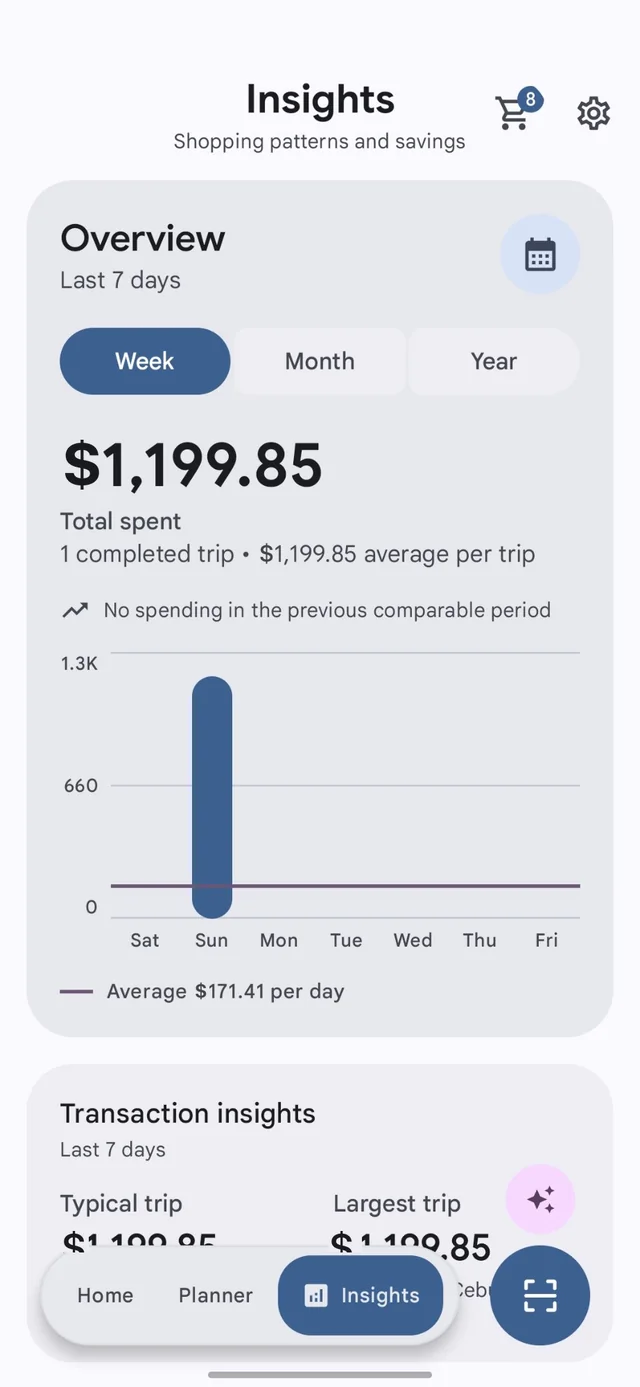
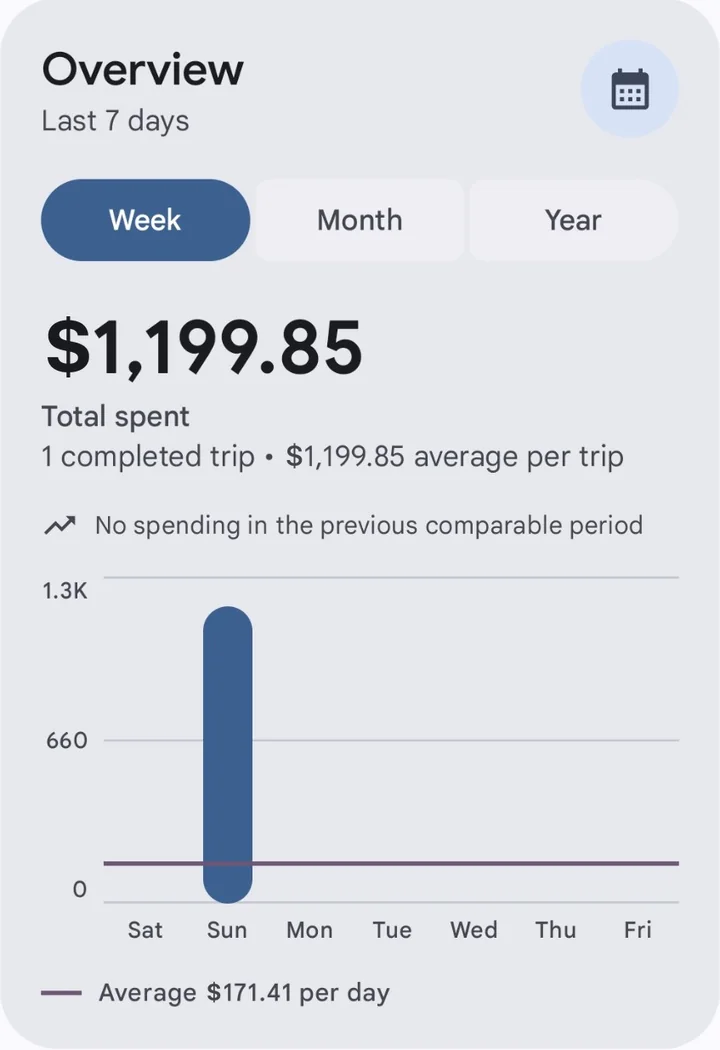
From total spending to price changes across trips, the app gives you a cleaner picture of how your habits move over time.

Spending overview Trend views Receipt archive
Cart Tracker analytics overview screen

Product story

From planning to receipt review, the flow stays consistent.

Each screen supports the same goal: helping shoppers stay oriented before, during, and after the trip.

Spot savings and price movement while building the plan.

The planner view gives you historical price context and a clearer estimate of what the trip could cost before you leave home.

Cart Tracker planner screen with price history

Keep a receipt history that still remembers budget context.

Receipts are more useful when totals, line items, and whether the trip stayed under budget all live in one place.

Cart Tracker receipt detail screen

How it works

A faster loop from shelf to summary.

01

Set the trip

Start with a budget or a planning list so the session has a target from the beginning.

02

Capture items

Use barcode scans, shelf-tag OCR, or quick product entry when you need to move fast.

03

Watch the total

Catch overspending early with live totals, warnings, and price context before checkout.

04

Review later

Keep receipts, trends, and shopping insights ready for the next trip instead of losing the history.

Privacy and terms

Clear policies, not vague promises.

Your updated privacy policy and terms are linked directly from the homepage so visitors can review how local data, optional online lookups, and community price contribution work before installing.

FAQ

Short answers for the most common questions.

Can I see item prices before checkout?

Yes. Add items with prices as you shop and Cart Tracker shows a running grocery total before checkout.

Can the app find prices for scanned products?

When a price is already saved or available from optional online price tools, Cart Tracker can suggest it. You can still type or edit the shelf price anytime.

Does Cart Tracker support different currencies?

Yes. You can choose the currency you want to use for your grocery budget, cart total, products, and receipts.

Can prices be converted to my currency?

Some online price suggestions can be shown in your selected currency when exchange information is available. Converted prices are estimates, so you can always edit them to match the shelf price.

Can I change a price if the scan is wrong?

Yes. Scans and suggestions are only there to help you move faster. You stay in control and can update the item name, price, or quantity before adding it to the cart.

Can I scan shelf tags instead of barcodes?

Yes. Cart Tracker includes a shelf-tag capture flow for times when the shelf label is easier to use than the product barcode.

Does Cart Tracker work without internet?

Yes. Core cart tracking, local data storage, and key shopping flows are designed around offline-first use.

Do I need an account to use the app?

No. You can install Cart Tracker and start shopping without creating an account first.

What kind of information is stored locally?

Cart sessions, budgets, products, receipts, and settings are stored on-device by default, with export and backup controls available to you.

Where can I read the updated policies?

You can open the Privacy Policy and Terms of Service directly from this site.

A note from the developer

Premium now helps keep Cart Tracker’s infrastructure running.

Cart Tracker started as a mostly offline app. It now also relies on server-backed services for online product lookup, community price data, entitlement checks, storage, monitoring, and the systems that keep those features reliable. Advertising alone can no longer sustainably cover those ongoing costs.

Going forward, every subscriber payment received by Jber Studio—after Google Play fees and applicable taxes—will be allocated directly to Cart Tracker’s infrastructure and operating costs. That support pays for hosting, APIs, databases, storage, monitoring, and the maintenance needed to keep online features available.

The goal is simple: build a healthier foundation for the app without turning every useful feature into an ad slot. If you subscribe, you are directly helping Cart Tracker stay dependable and continue improving. Thank you for making that possible.